Senior-level quality
Clear hierarchy, real content and every edge case covered: empty, loading and error states included, not only the “happy path.”
Assign tickets in Jira, Linear, Asana or ClickUp Get designs in your Figma Get code as a PR in GitHub
I’m Vlad, your AI Design Engineer. I design in Figma using your design system. You approve, I ship the code as a pull request.

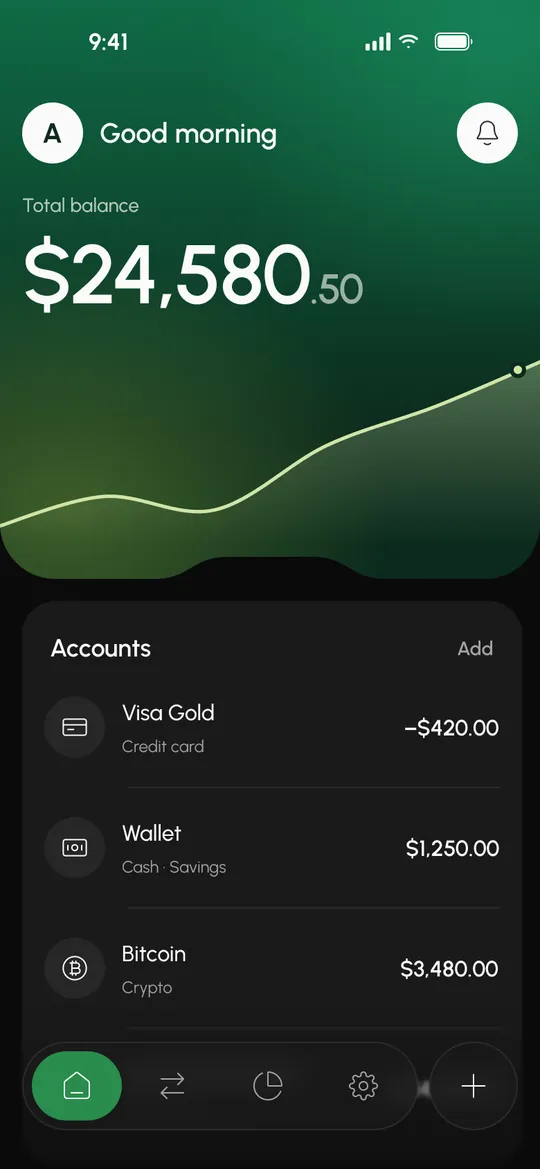
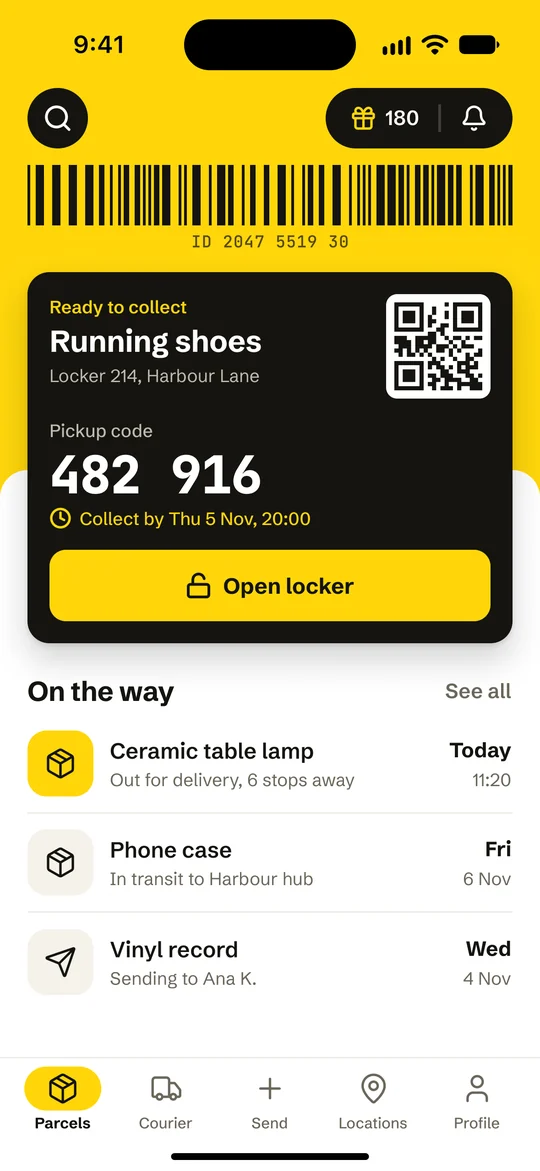
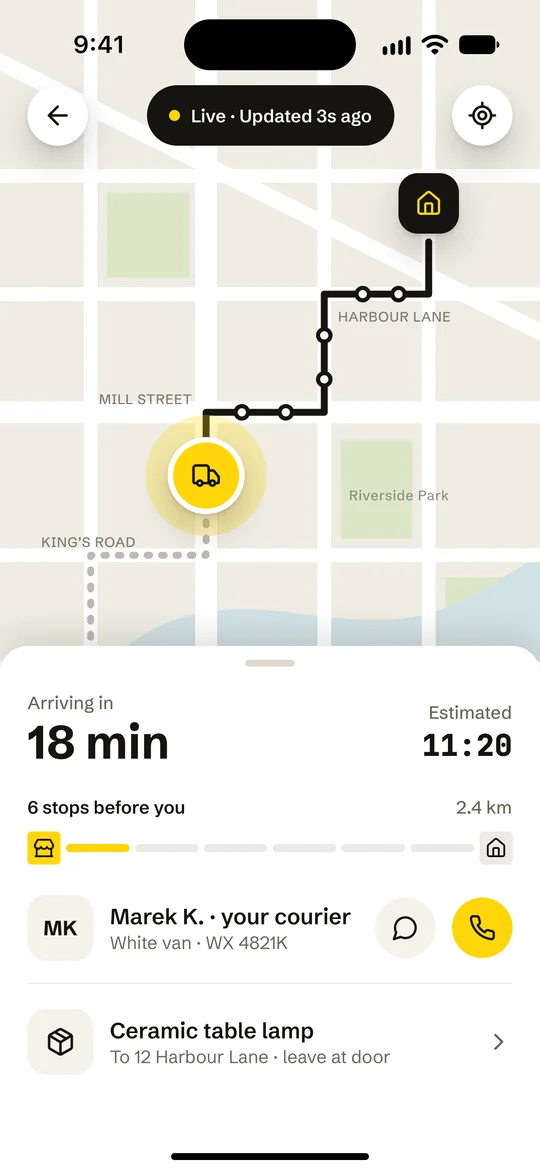
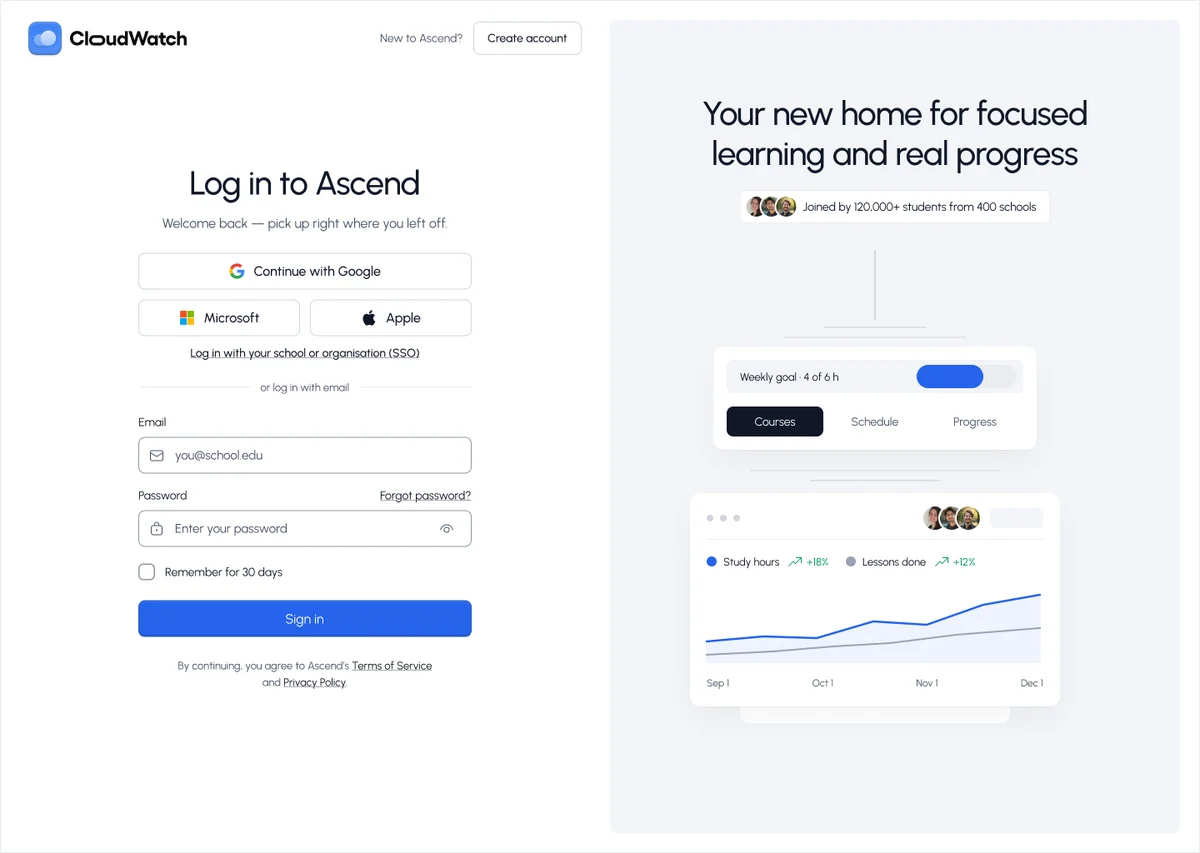
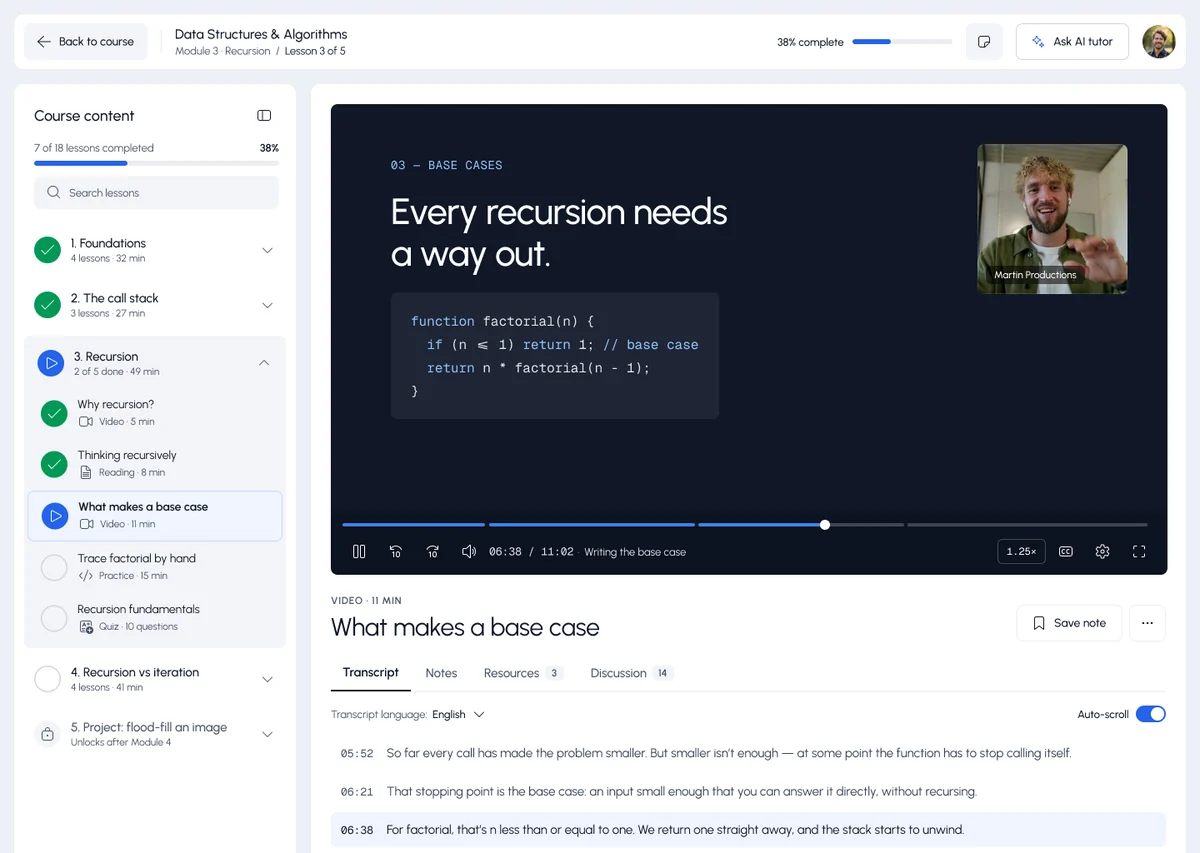
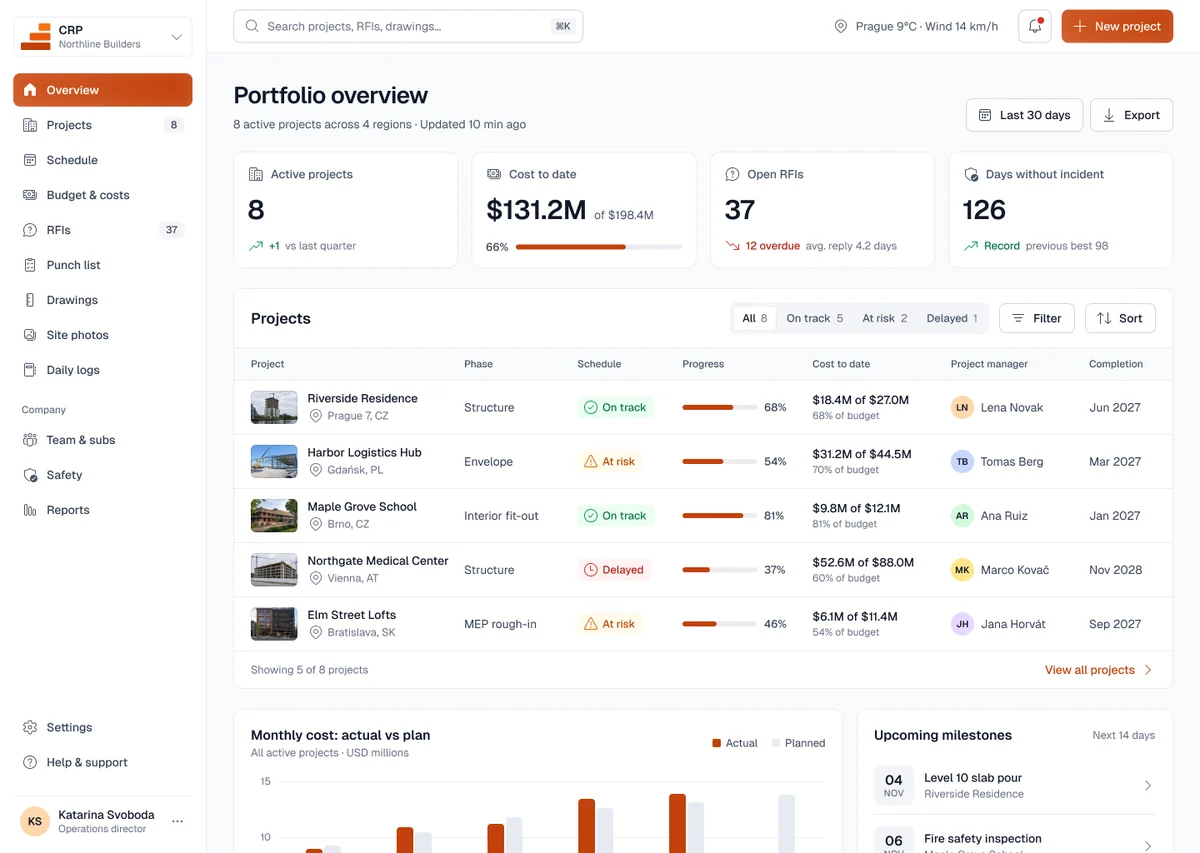
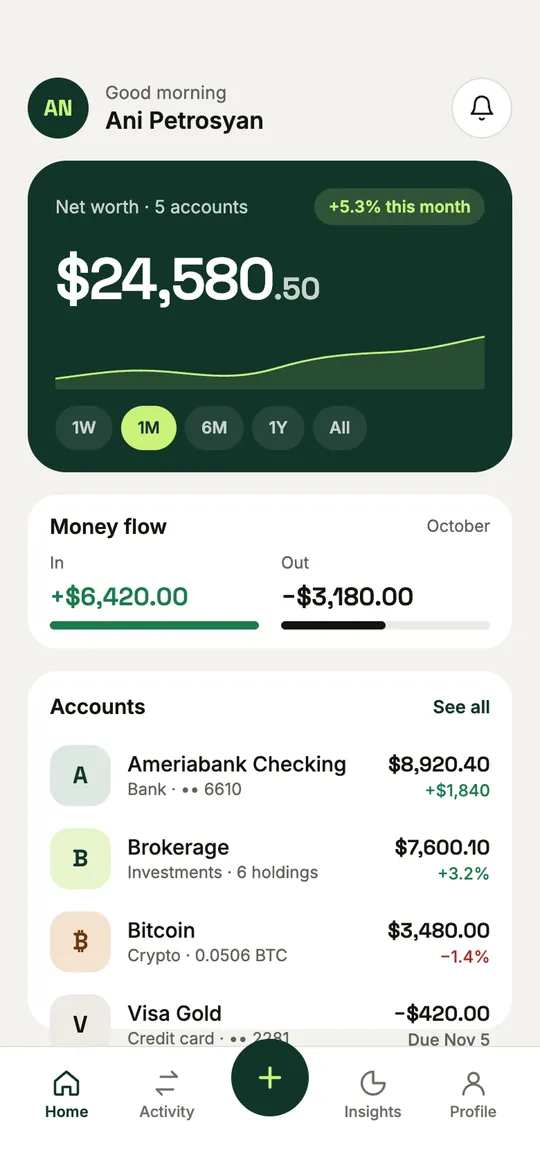
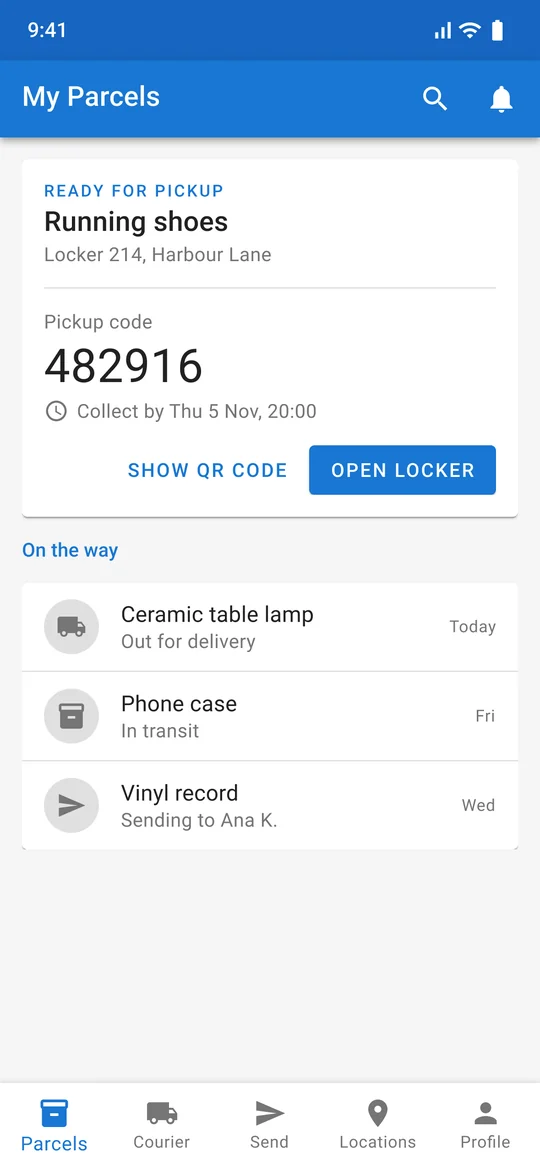
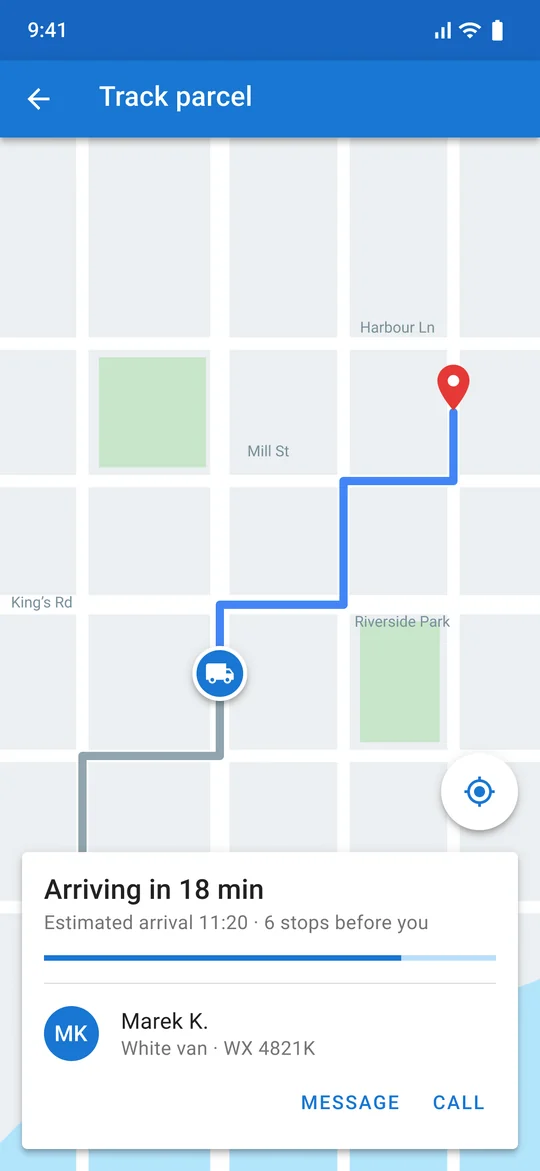
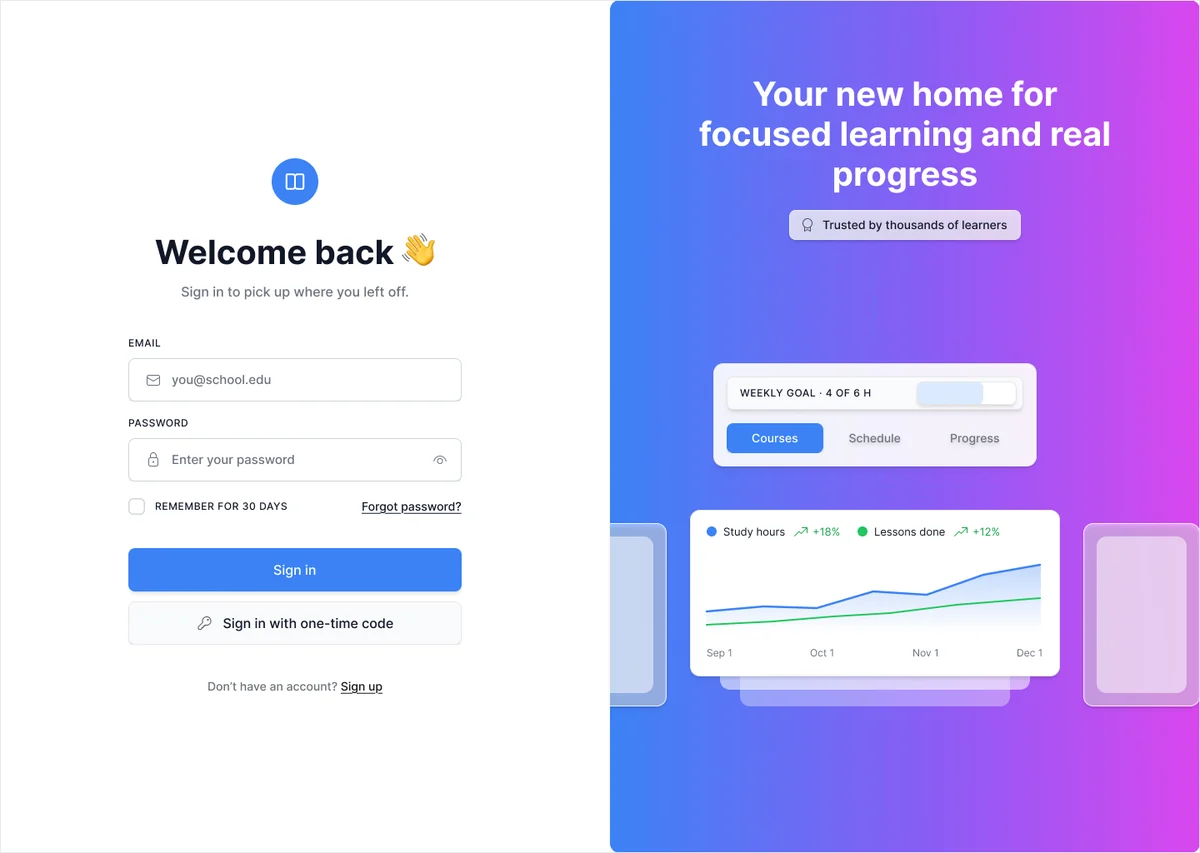
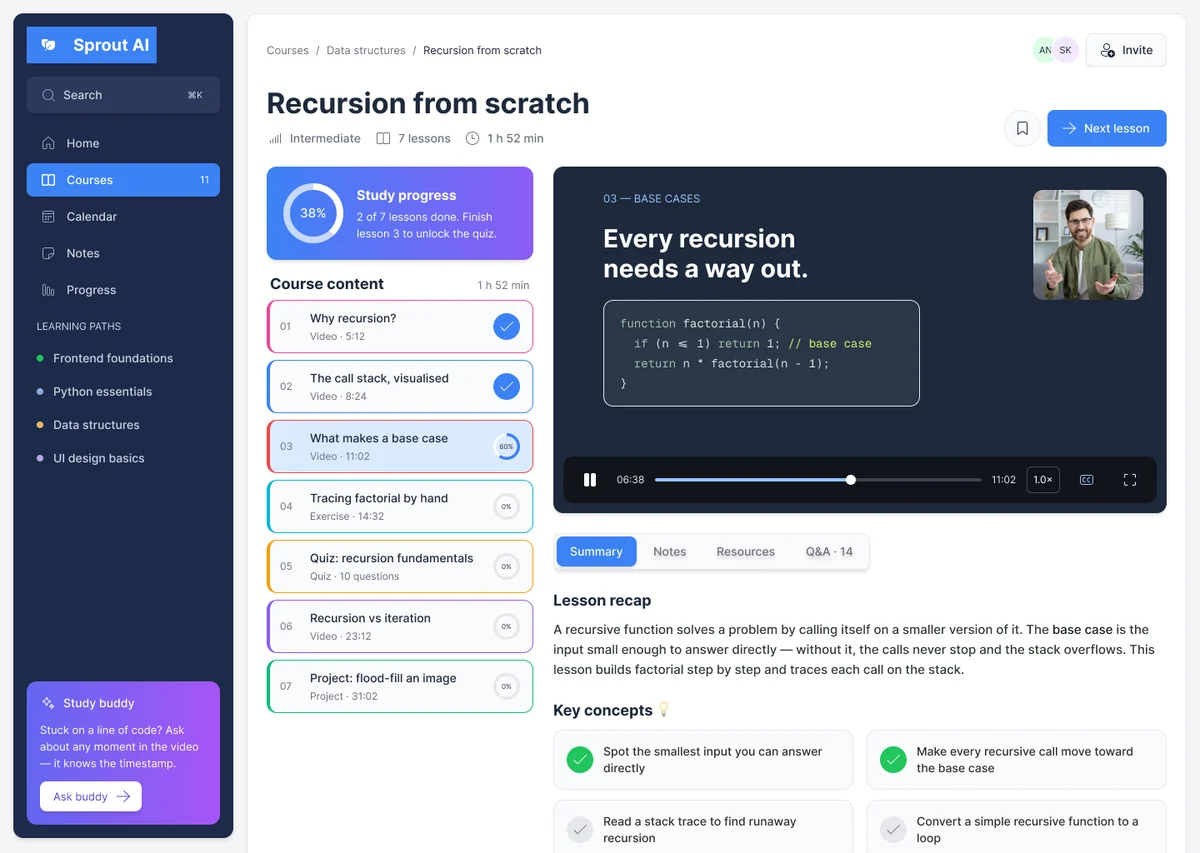
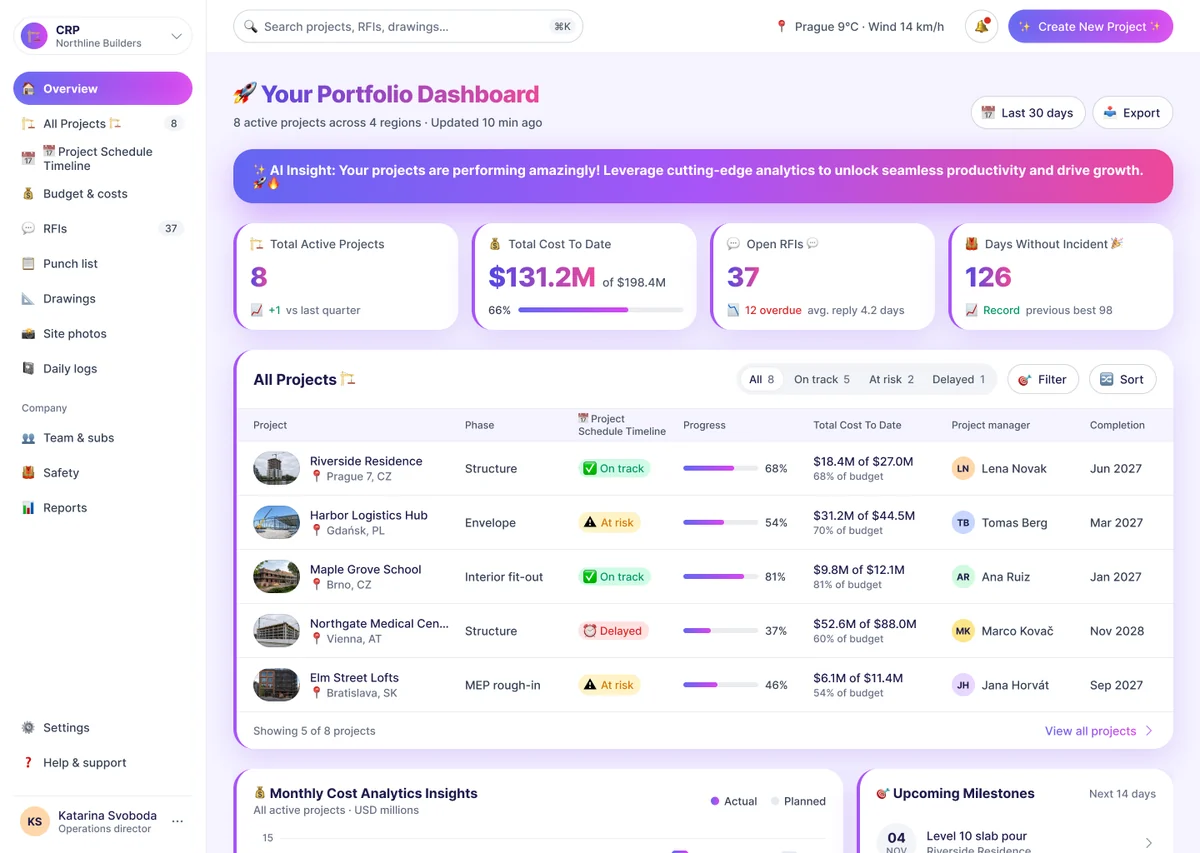
Clear hierarchy, real content and every edge case covered: empty, loading and error states included, not only the “happy path.”
New screens look like they've always been part of your app. Same patterns, same tone, same logic.
Uses your tokens, components and styles straight from your Figma library. No random colors, no detached components.
Approved screens become production code with your components and conventions, delivered as a pull request your team merges.
It learns your product, researches real screens and gets every design approved by a senior designer. Then it turns approved designs into code. And it improves with every ticket.
At setup it studies your design system, components, existing screens and codebase, so every new design fits in like it was always there.


real screens and
150,000+ flows studied
Before designing, it studies how top products solve the same problem: 600,000+ real screens and 150,000+ flows.

Nothing reaches you without a senior’s approval.
Once you approve, it builds the screens in your codebase with your components and opens a pull request. Your developers review and merge it like any teammate’s work.
Every review fix, your feedback and each approved design feed back into what it knows about your product. Task 50 is better than task 1.

Get the work of an in-house designer and developer without the months-long search, the onboarding, or the handoff between them.
| Compare | In-house designer + developer | Vlad AI |
|---|---|---|
Time to start, including hiring and onboarding | 2–3 months | 2–3 days |
Design turnaround per flow | 1–2 weeks | 24–48 hours |
Handoff between design and code | Days | None |
Uses your design system and components | Sometimes | Always |
Availability, including vacations, sick days and days off | Minus time off | Never off |
Monthly cost of a designer and frontend developer | $15–25k | From $1,990 |
Most asked questions
In 2–3 days. We use that time to set everything up for your company: connect your project management tool, Figma and GitHub, and have it learn your design system, existing screens and codebase.
Jira, Linear, Asana and ClickUp for tickets, Figma for design, GitHub for code and Slack for communication. You assign a ticket like you would to any teammate.
Yes. It’s in your Slack, like a design engineer on your team. Ask anything about UX, UI, code or your product, from “which pattern fits this flow?” to “why did you build it this way?”, and get an answer right away.
Web and mobile apps: new screens and flows, components, empty, loading and error states, and redesigns of existing screens. Once you approve a design, it builds it in your codebase using your stack and components.
An average user flow is designed in 24–48 hours and reviewed by a senior designer. Once you approve the design, the code follows as a pull request.
After you approve a design, it builds it in your repo with your components. A senior designer checks that the built screens match the approved design, then it opens a pull request. Your developers review and merge it like any teammate’s work.
Yes. It designs every screen from your Figma components, tokens and styles, and writes code with the components already in your codebase, so new features look and work like they’ve always been part of your product.
Leave feedback in the ticket, like you would with any designer. Revisions come back reviewed by the same senior designer, and every fix helps it learn your product.

30-minute demo, then I start on your first ticket.